



An Introduction to Projectors
When it comes to home entertainment, we’re spoilt for choice. Modern televisions offer incredible clarity and convenience, but for many, there is a specific appeal to the projector. It isn’t just about achieving a larger-than-life image; it’s about the specific way a projector handles light to create a natural, cinematic experience that is very comfortable for long viewing sessions.
We know that stepping into the world of projectors can feel a bit daunting. Between throw distances and lumens, there is a lot of tech to navigate. This guide is here to help you understand the basics so you can decide which solution best suits your home and your viewing habits.
How Does a Projector Work?
At its simplest, a projector works by taking a video signal and translating it into light. However, the magic happens in how that light is managed before it reaches your screen. A high-quality projector doesn’t just shine a light; it meticulously filters and reflects it to preserve colour accuracy and contrast.
There are two main types of projector image processing technologies you’ll encounter: 3LCD and DLP (there are other variations, but these are the two you should focus on as you get to grips with projectors).
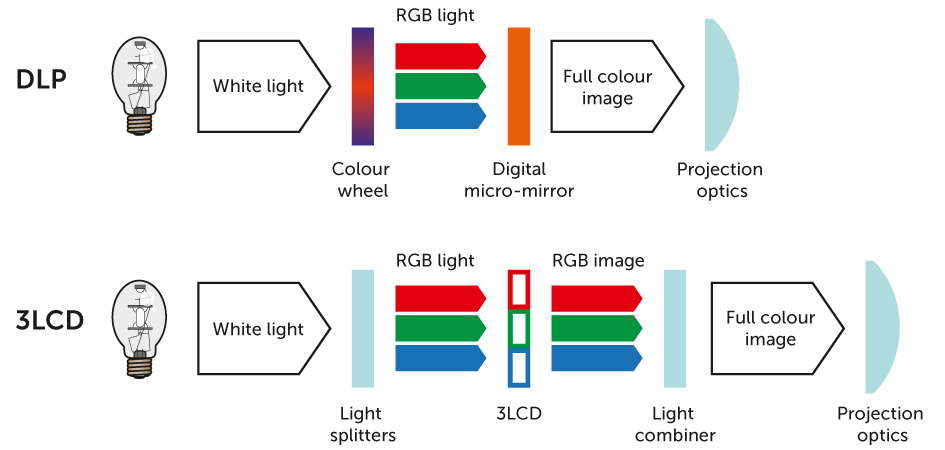
- 3LCD: This stands for Liquid Crystal Display. It works by shooting high-intensity light beams through a prism, which separates light into red, blue, and green hues. These are then put through dedicated panels and a lens that creates the final picture.
- DLP: This stands for Digital Light Processing. It sends light through a spinning colour wheel and onto a chip covered in microscopic mirrors to form the images you see on screen.
What is the difference between DLP and 3LCD technology?
What is the Difference Between DLP & 3LCD Technology
Choosing between the two often comes down to your personal viewing preferences and your room setup.
DLP projectors tend to have higher contrast, giving you deep blacks that are great for atmospheric movies. They’re generally smaller and more affordable than their 3LCD counterparts. However, some models are prone to the ‘rainbow’ effect – a quick flash of rainbow-like colour trailing bright objects when you move your eyes across the screen. It is worth noting that only some people are sensitive enough to see this effect.
3LCD projectors, primarily developed by Epson, are known for having brighter colours, smoother gradations, and excellent colour accuracy. As they don’t use a colour wheel, there is no rainbow effect, making them a great choice for family viewing. To house this more complex light-path technology, they are generally larger and sit at a higher price point.
You may hear the term ‘chicken wire effect’ mentioned in conjunction with projectors. This is where you can see individual squares or a grid that makes up the image. This only happens on a small number of models and is only an issue if you sit too close to the projection.
Projector Lighting: Things to Know
While the tech that processes your image (like DLP or 3LCD) is important, the light source inside is what really brings the magic to your screen. Whether you are looking for a classic cinematic feel or a bright, modern setup that can replace your living room TV, the “lamp” type makes all the difference.
Traditional Lamps: The Cinematic Classic
Most entry-level and mid-range projectors use traditional bulbs. These offer fantastic colour depth and that authentic ‘movie night’ glow for a smaller initial investment.
However, they do have a finite lifespan. Over a few years, the bulb will gradually dim and eventually need replacing. If you only plan to use your projector for the occasional weekend blockbuster, a lamp-based DLP model often provides the best ‘bang for your buck’.
Laser Light: The bright, long-term hero
If you want to experience better detail without worrying about maintenance, laser is the way to go. Laser projectors, particularly Ultra Short Throw (UST) models, are often bright enough to use during the day with the curtains open.
While a laser projector might cost more upfront, it can last for up to 20,000 hours – essentially the life of the projector. For example, a £2,000 3LCD laser projector might offer much higher brightness and instant ‘on/off’ convenience compared to a lamp-based DLP model at the same price point, making it better suited for a busy family lounge.
LED: Compact and cool
LED light sources are typically found in smaller, portable projectors. They are energy-efficient, run very cool (meaning quieter fans), and offer great longevity. They aren’t usually as bright as laser or traditional lamps, but for a bedroom setup or a gaming room, they are a fantastic, hassle-free choice.
Are Projectors Better Than TVs?
It isn’t a case of one being superior to the other; it’s about choosing the right fit for your room.
TVs remain the gold standard for versatility. They’re bright, easy to set up, and perform beautifully in rooms with plenty of natural light. For the news, daytime soaps, or gaming sessions, a high-quality 4K TV is hard to beat for pure convenience.
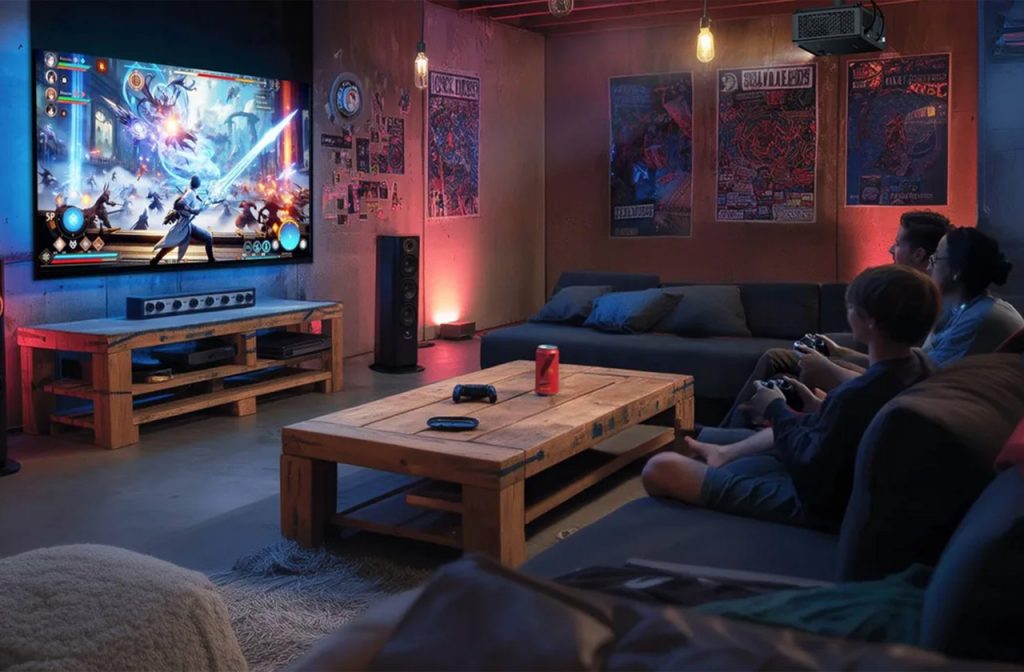
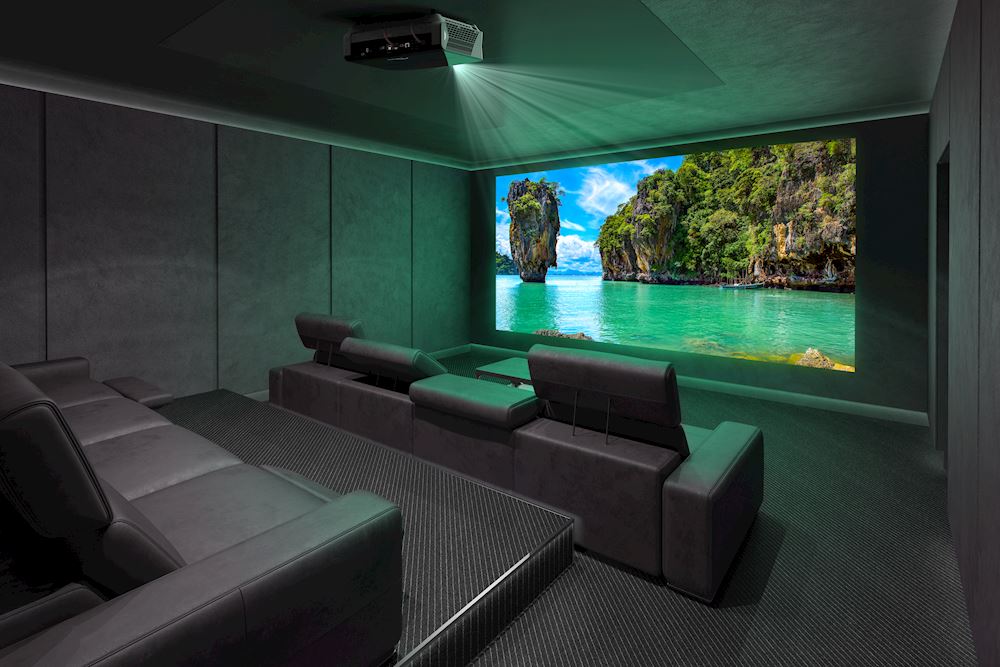
Projectors excel when you want to move beyond the 85-inch mark and create a dedicated event. They offer a cost-effective way to achieve a 100-inch, 120-inch, or even larger display for movie nights and big sporting events. As you’re viewing reflected light rather than looking directly at a backlit panel, many find the experience feels cinematic and less fatiguing during long marathons.
To see how different models compare, discover the best home projectors for every budget.
Understanding Throw Distance
Before you invest in a projector, it’s important to consider the physical layout of your room, specifically for the throw distance – the measurement between the projector lens and the screen. This distance dictates how large the final image will be.
While the size of your room is a factor, limited space isn’t a barrier to a big-screen experience. There are three main categories of throw distance to suit different environments
Standard/Long Throw
These are designed to sit at the back of the room, often mounted on a ceiling bracket or placed on a high shelf. They require several metres of space to create a large image.
Short Throw
These units can create a massive picture from a much shorter distance, making them ideal for smaller lounges or if you want to place the projector on a coffee table.
Ultra Short Throw (UST)
These clever devices sit on a sideboard just inches away from the wall or screen. They are an excellent solution for smaller living rooms where you want a huge screen without the need for complex installation, ceiling mounts, or long cable runs across the floor.
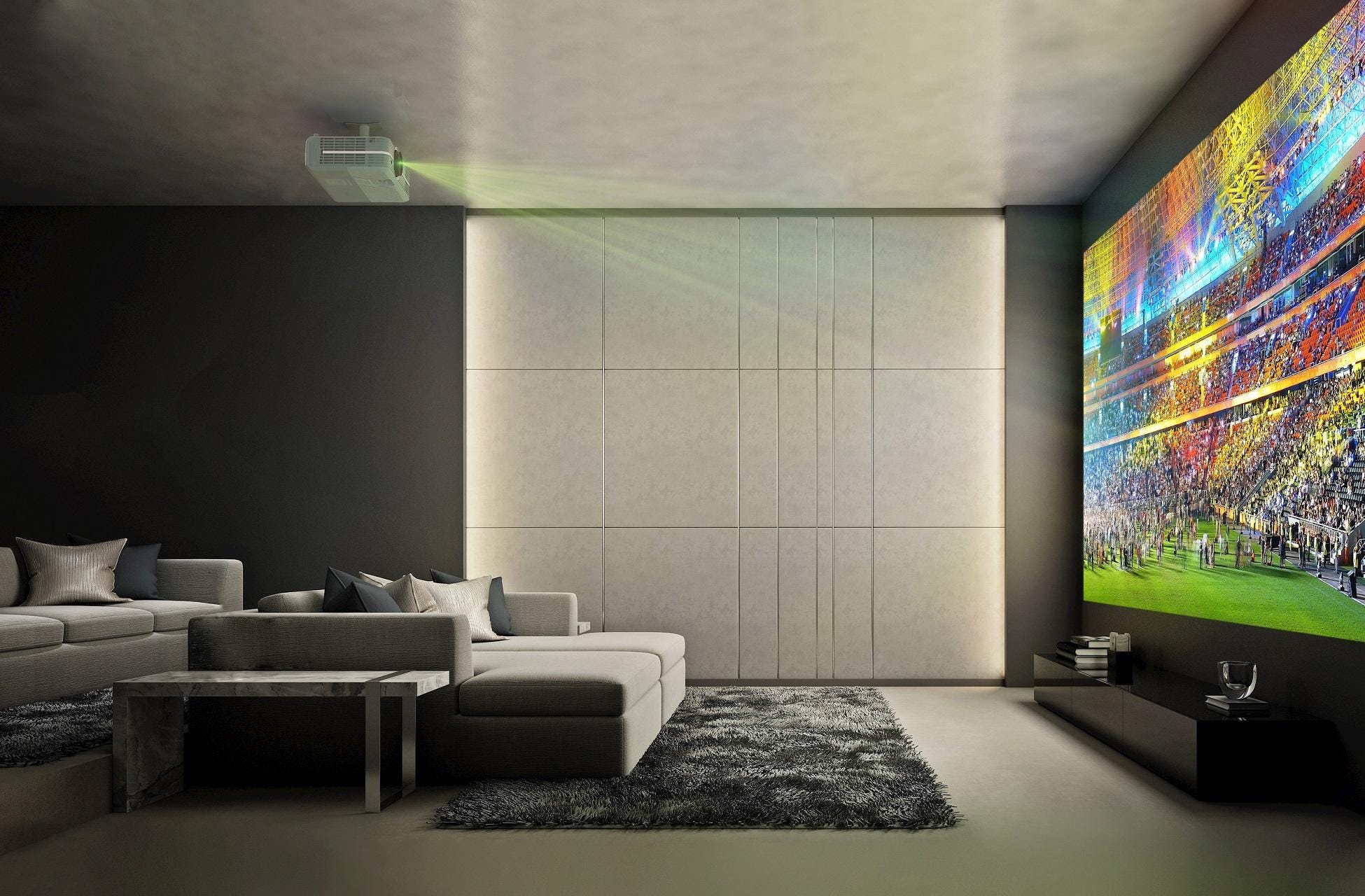
Why Resolution Matters
When you’re projecting an image at 100 inches or more, resolution becomes vital. 4K Ultra HD is highly recommended for a true home cinema experience.
As the image is so large, a higher resolution ensures that the picture remains crisp and detailed. It also means you won’t see the individual “pixel structure” (the tiny dots that make up the image) even if you are sitting relatively close to the screen.
How to Set Up a Projector
Setting up a projector is no longer the technical challenge it once was. Most modern units feature Lens Shift and Keystone Correction. These tools allow you to square up the image perfectly, even if the projector isn’t placed exactly dead-centre to the screen.
For the best results, we always recommend using a dedicated screen. These are treated with special coatings designed to reflect light back toward your seating area, significantly improving the brightness and contrast compared to a standard white wall.
How to Connect a Projector to Other Devices
Connecting your devices is simple. Most modern projectors use HDMI, making them as easy to connect as a second monitor.
- Connect an HDMI cable from your laptop to the projector’s input.
- If your laptop only has USB-C ports, you will need a USB-C to HDMI adapter.
- On your laptop, you can choose to “Mirror” your display to show exactly what is on your screen, or “Extend” it, using the projector as an expansive second monitor.
- Ensure your projector is set to the correct HDMI input using the remote. Most units will “auto-detect” the signal, but a manual check is always worth doing if the screen is blank.
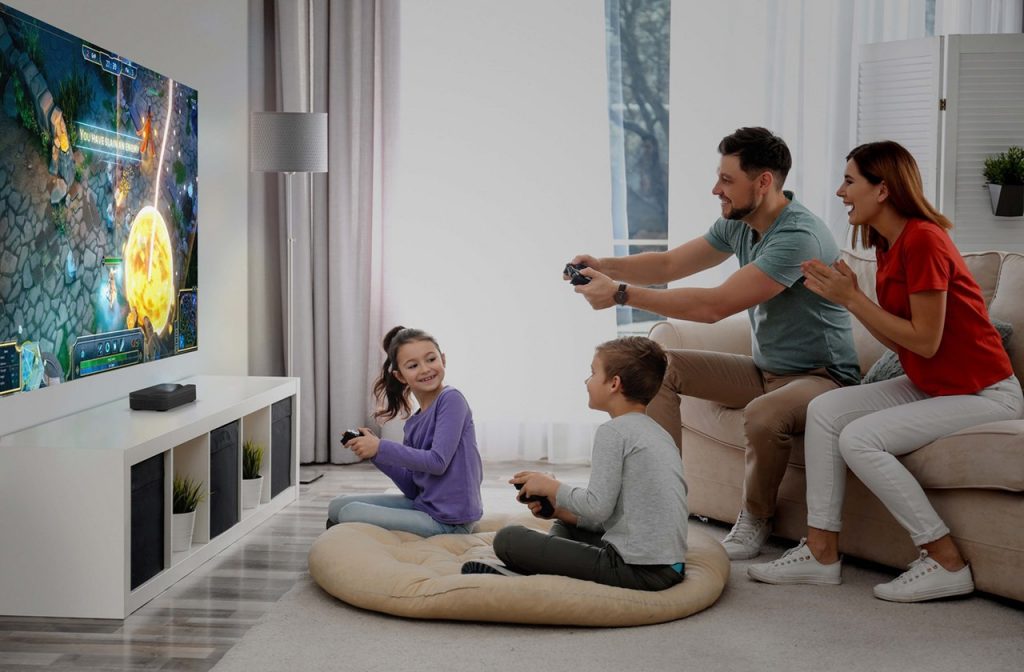
Optoma Photon Go Projector
Once you are connected, you are ready to go. They’re perfect for big match days or a quiet movie night in.
Of course, there’s a trove of devices that you may wish to connect to your projector. Blu-ray and 4K Blu-ray players, or even an AV amplifier, for example. The HDMI output gives you a multitude of connectivity options.
Find Your Perfect Projector with Richer Sounds
Choosing a projector is a visual experience that is hard to replicate on a small laptop screen. To truly understand how different light sources and technologies perform, you need to see them in action. Our in-store experts can show you exactly how a 120-inch 4K image looks in person, helping you find the perfect fit for your home cinema. Head into your local Richer Sounds store today.