



How to Choose a Gaming Monitor: A Simple Guide to Specs That Matter
Ever noticed a slight blur when you turn quickly in a game, or felt like your screen just isn’t keeping up with your reactions? That is usually where a standard monitor reaches its limit. A dedicated gaming monitor is engineered to remove those distractions, offering the speed and clarity that modern gaming demands. From climbing the ranks in a competitive shooter to exploring vast open worlds on your console, we have broken down everything you need to know to find your perfect gaming monitor.
What is a Gaming Monitor?
A gaming monitor is a high-performance specialist engineered to handle rapid motion, deliver vibrant colours, and respond to your inputs instantly. Essentially, it’s the window that allows you to see exactly what your PC or console is capable of, ensuring you play your best and have a better experience.
Which Type of Monitor is Best for Gaming?
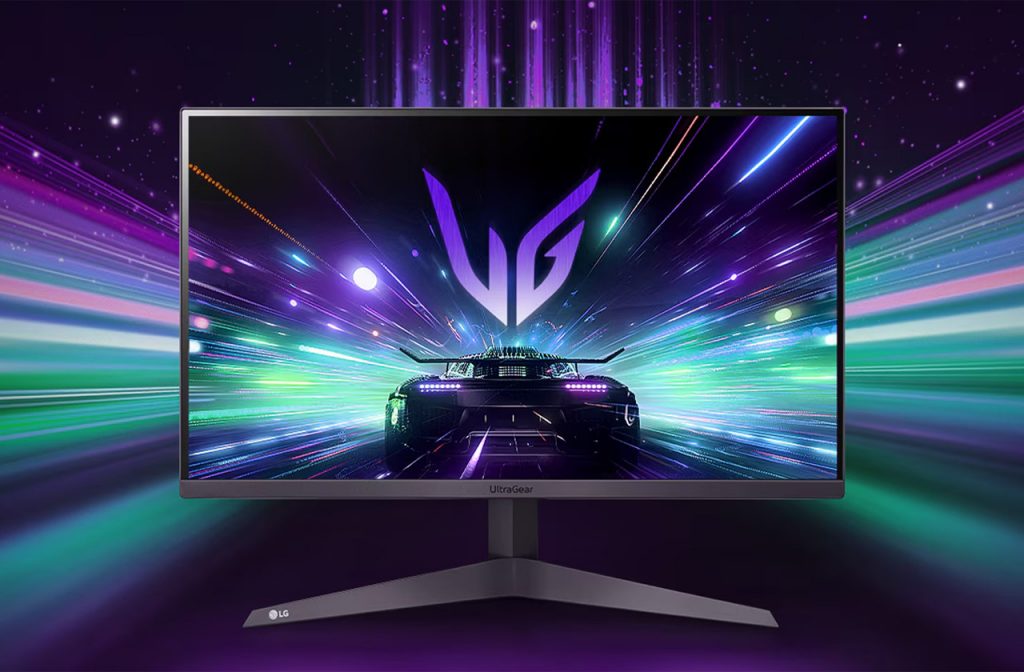
Not all screens are made the same way. The panel type determines the colour quality and speed of your display. IPS (In-Plane Switching) LED panels are the great all-rounders. They offer brilliant colours and wide viewing angles, making them perfect for cinematic, story-driven games.
Hisense 34G6QUK Gaming Monitor
OLED remains the top pick for players who want the very best. As every pixel creates its own light, you get perfect blacks and near-instant response times. While these monitors offer stunning results, we always recommend thinking about your room first. If you’re in a very bright space, a high-brightness IPS or a MiniLED might actually serve you better than an OLED.
Flat vs. Curved Gaming Monitors
The shape of your screen can change how immersed you feel. Flat monitors are the traditional choice and are excellent if you use your screen for a mix of gaming and creative work, as they do not distort straight lines.
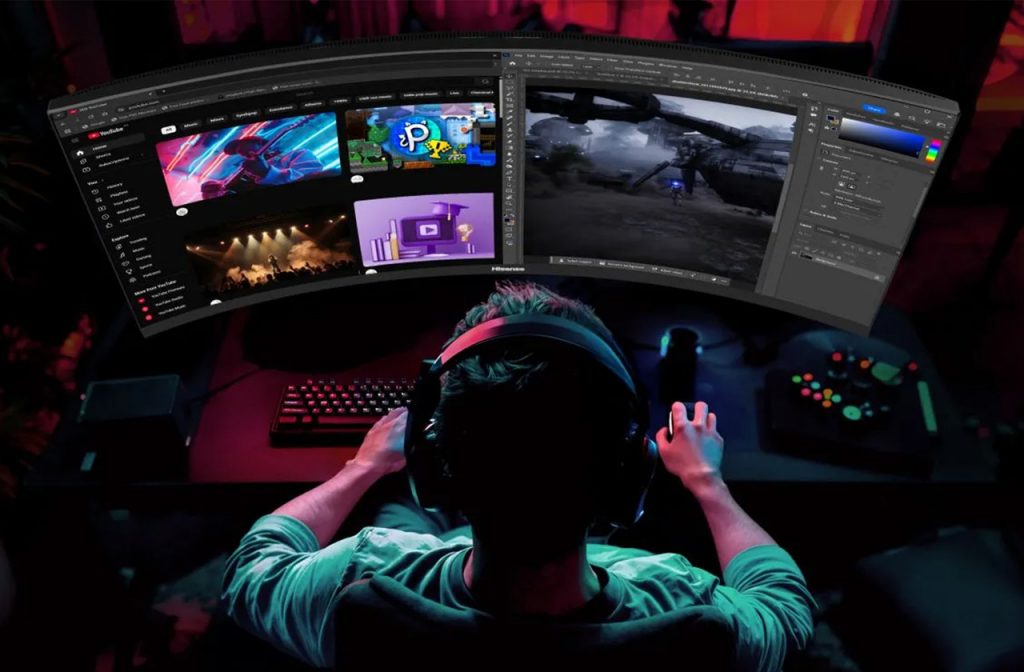
Curved monitors are designed to follow the natural curvature of the human eye. This wrap-around effect can make games feel much more immersive and can actually reduce eye strain by keeping the edges of the screen the same distance from your eyes as the centre. If you are looking at an ultrawide monitor, a curve is almost essential to help you see the whole display comfortably. Our guide showcasing our top gaming monitors can help you see both styles.
Refresh Rates and Response Times
When you’re in the middle of a game, the last thing you want is a blurry or stuttering image. This is where speed comes in. The ‘Hz’ (Hertz) refers to the refresh rate, which is how many times a second the screen updates the image. For most PC gamers, 144Hz is the sweet spot because it offers a huge jump in smoothness over standard 60Hz screens. If you are using the latest PS5 or Xbox Series X, we recommend looking for a monitor that supports 120Hz to make the most of your console’s power.
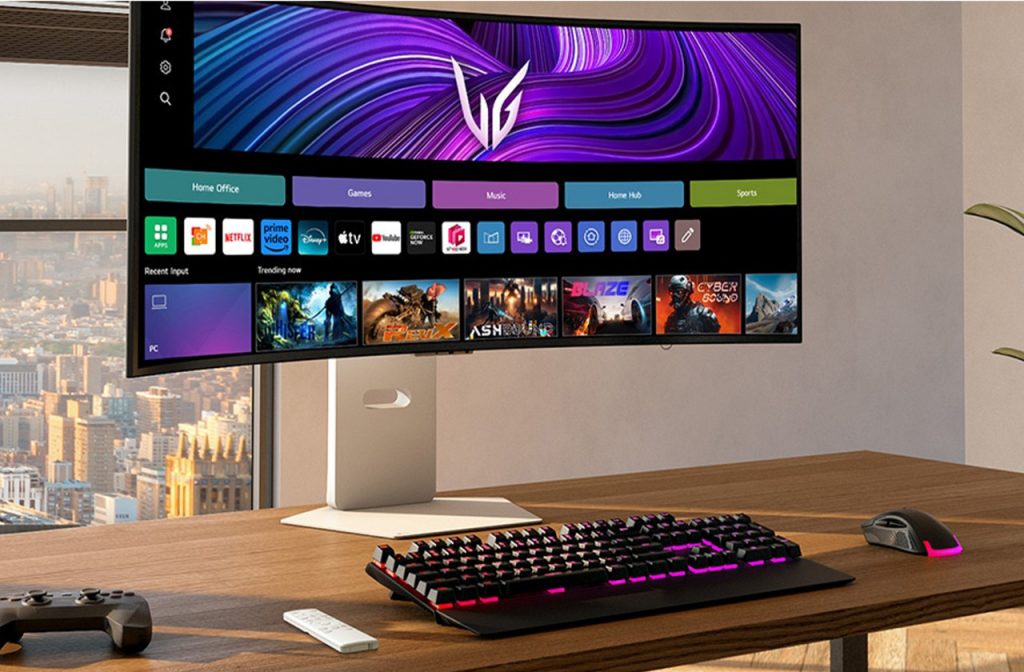
LG 39GX90SA Gaming Monitor
Response time is equally vital for clear visuals. This measures how quickly a pixel can change from one colour to another. In fast-paced games, a low response time – ideally 1ms or lower – prevents ghosting, which is the frustrating trail you sometimes see behind moving objects. Our expert advice is to prioritise a low response time if you enjoy competitive shooters, where every split second counts.
What are G-Sync and FreeSync?
You may have seen the terms G-Sync and FreeSync on spec sheets. These are Adaptive Sync technologies designed to solve screen tearing – where the top half of your screen seems out of sync with the bottom during fast movement.
G-Sync is Nvidia’s technology, while FreeSync is AMD’s version. Both work by syncing your monitor’s refresh rate to the frames per second (FPS) your graphics card is producing. This ensures a buttery-smooth experience without stuttering. Most modern monitors are now compatible with both, but it’s always worth checking that your choice matches your PC’s graphics card or your console’s specific capabilities.
Finding the Right-Sized Gaming Monitor
The size of the gaming monitor is largely based on how close you sit to your setup. For a desk setup, 24 to 27 inches is the most popular choice as it allows you to see the whole screen without turning your head. If you prefer a more immersive experience, 32 inches or larger can feel much more impactful. You should also consider the resolution; a 27-inch screen is the perfect partner for QHD resolution, providing a sharp image without being too taxing on your hardware.
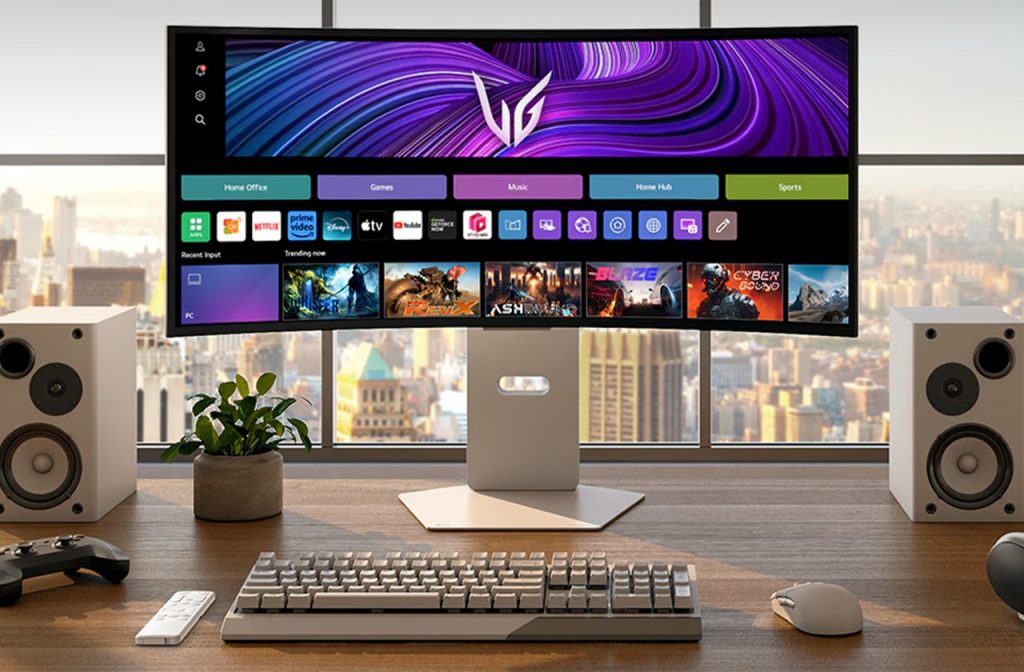
LG 34GX90SA Gaming Monitor
Once you have picked your screen, you might want to know how to rotate your gaming monitor. Most high-quality gaming stands can pivot the screen 90 degrees into a portrait mode, which is surprisingly handy for reading long chat feeds. Beyond the screen, your choice of peripherals is just as important for a competitive edge. We recommend checking out our guides on gaming headsets that won’t break the bank and the ultimate guide to gaming keyboards and mice to complete your perfect arena.
Find Your Perfect Gaming Monitor with Richer Sounds
Finding the perfect monitor is about matching the screen to your specific hardware and your personal gaming style. If you’re unsure which connection you need or want to see the difference between IPS and OLED in person, our experts are here to help. Pop into one of our stores for a friendly chat, and we will help you find the display that brings your favourite games to life.